
June 9, 2026 · Manage1to1
Asset Management Software for Schools: Buyer's Guide
K-12 buyer's evaluation guide for asset management software. 10 vendor questions, demo verification checklist, and a framework you won't regret.
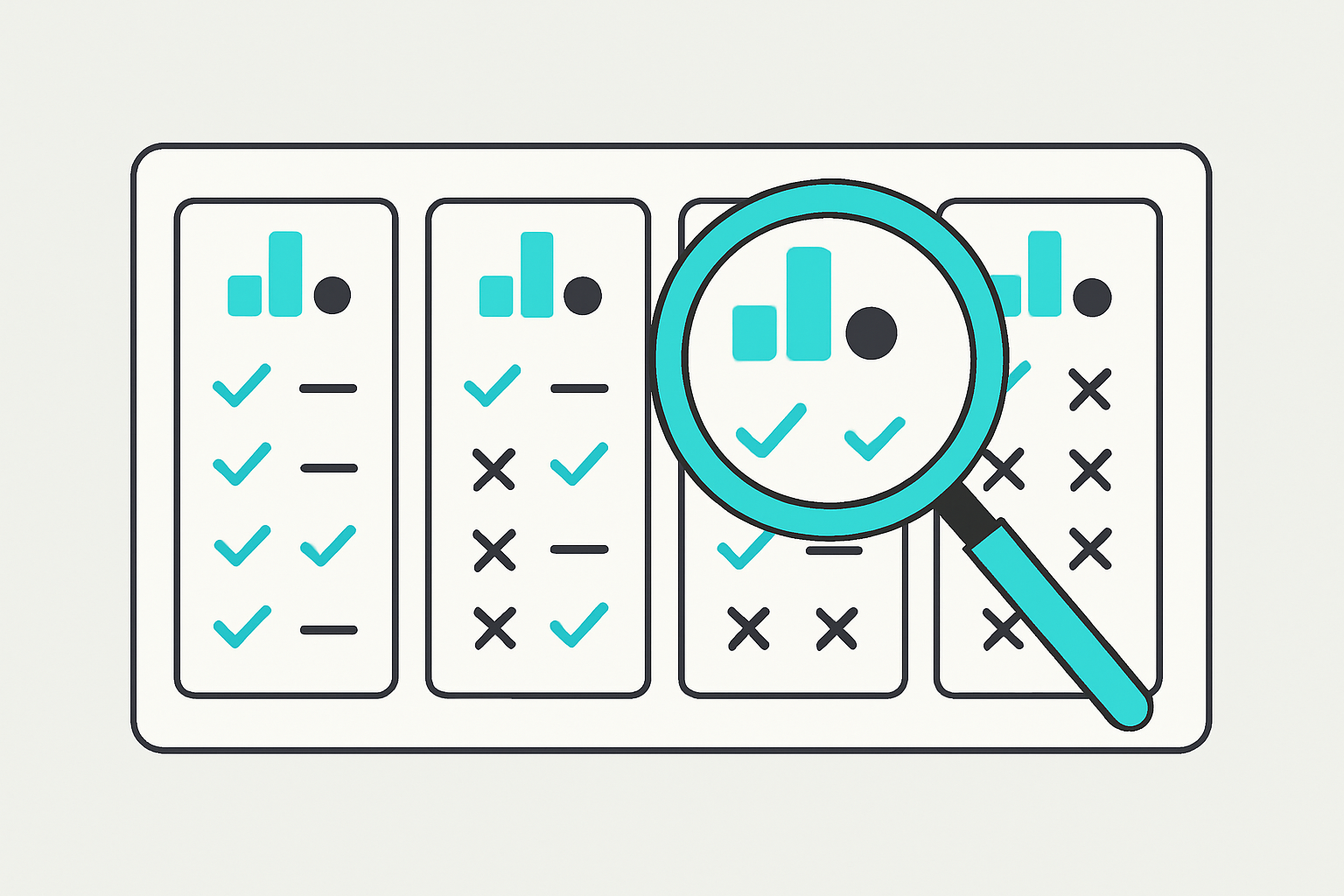
You are sitting through your third vendor demo in two weeks. Every rep has opened with the same three phrases inside the first five minutes: mobile barcode scanning, SIS integration, full lifecycle management. When you asked one of them, "What specifically have you built for a 4,000-device K-12 district?" the answer was a restatement of the same bullet points, just slower.
You have a shortlist. You do not have a real way to tell these platforms apart before signing a multi-year contract.
That problem is not unique to you. There is no shortage of options. Industry roundups list five to ten plausible asset management software for schools candidates per year (Source: Teqtivity). The market is crowded, and most platforms present well.
This guide is not a ranked list of winners. It is a vendor-neutral evaluation framework built around what K-12 asset management actually has to do in a real district. The question is not which platform is best in the abstract. It is which one your specific district should not regret in 24 months.
What Is Asset Management Software for Schools?
Asset management software for schools is a system that tracks every physical asset a K-12 district owns, including devices, peripherals, and AV equipment, across its full lifecycle, and connects each asset record to the assigned user, repair and incident history, billing or chargeback records, and refresh schedule. It is not a spreadsheet with barcodes attached. It is the operational record of what every device has cost the district, from purchase through disposal.
That definition separates real Asset Management from what most generic enterprise ITAM tools actually deliver. Corporate IT asset management stops at inventory and warranty fields. A school district needs more: 1:1 student device flows, SIS integration that keeps user records current as students enroll and withdraw, and family invoicing tied directly to damage incidents. Those requirements do not appear in enterprise ITAM product specs because enterprise IT does not bill families for cracked screens.
Where It Differs from Generic IT Asset Management
Generic IT asset management platforms were designed for corporate procurement cycles. Devices are ordered, assigned to employees, and eventually decommissioned. The user population is relatively stable, the damage rate is low, and there is no billing relationship between the IT department and the end user.
K-12 is a different environment. Devices are assigned to students who change grade levels, transfer buildings, and sometimes disappear mid-year. Damage rates are high. Families may owe money. State agencies audit device counts. Bond cycles drive refresh decisions, not annual capex budgets. A platform that handles the first scenario well will struggle with the second.
The Minimum Operational Requirements for K-12
At minimum, an asset management platform for a K-12 district must do four things: track the physical state and location of every device at scale, maintain an unbroken chain between the device record and the assigned user record, link damage incidents directly to invoices and chargeback records, and support lifecycle reporting that informs refresh and bond planning. If a platform cannot do all four, it is a partial solution, and partial solutions create manual work that fills the gaps.
What Asset Management Software Has to Do for a K-12 District
Centralized inventory and lifecycle tracking are the foundation of effective asset management (Source: ConnectWise). That baseline is necessary, but it is not sufficient for a K-12 environment. A district managing 4,000 Chromebooks across 14 buildings has operational requirements that go beyond what any corporate ITAM baseline covers. Here is what those requirements actually look like in practice.
Physical-State Tracking at Scale
You need to know where every device is, what condition it is in, and who has it at any given moment. That sounds simple until you are processing 200 device returns on the last day of school. A platform that requires manual condition entry for each unit will create a backlog that never clears. Look for systems that support barcode or QR scan workflows that can capture condition codes, building location, and assignment status in a single scan event, not in three separate screens.
The User-to-Device Chain
The asset record must connect to the student or staff member the device is assigned to, and that connection must survive roster changes. When a student transfers out of your district mid-semester, the device assignment cannot remain linked to a ghost record. SIS sync, whether through PowerSchool, Infinite Campus, Skyward, or a rostering layer like ClassLink or OneRoster, is what keeps this chain accurate without manual intervention. User Management that pulls from your SIS rather than maintaining a parallel directory is the requirement here.
Incident and Invoice Linkage
When a screen breaks, the damage record must connect automatically to the device record and to the family invoice. If those three records exist in separate systems or separate modules with no shared identifier, your billing rate on damage incidents will be low, because the manual work required to close that loop does not get done consistently. Incident Management that lives inside the same platform as asset and billing records is not a convenience feature. It is the operational chain that makes chargeback programs function.
Refresh Planning and Lifecycle Reporting
Chromebooks have auto-update expiration dates. Every device has a warranty window. Repair history affects total cost of ownership calculations. Districts making bond or refresh decisions need Reporting that surfaces all of that in one place, not a spreadsheet assembled from three exports. We have seen districts hold onto devices two years past their useful life because no one could produce a defensible lifecycle report. That is a budget problem, and it starts with a data architecture problem.
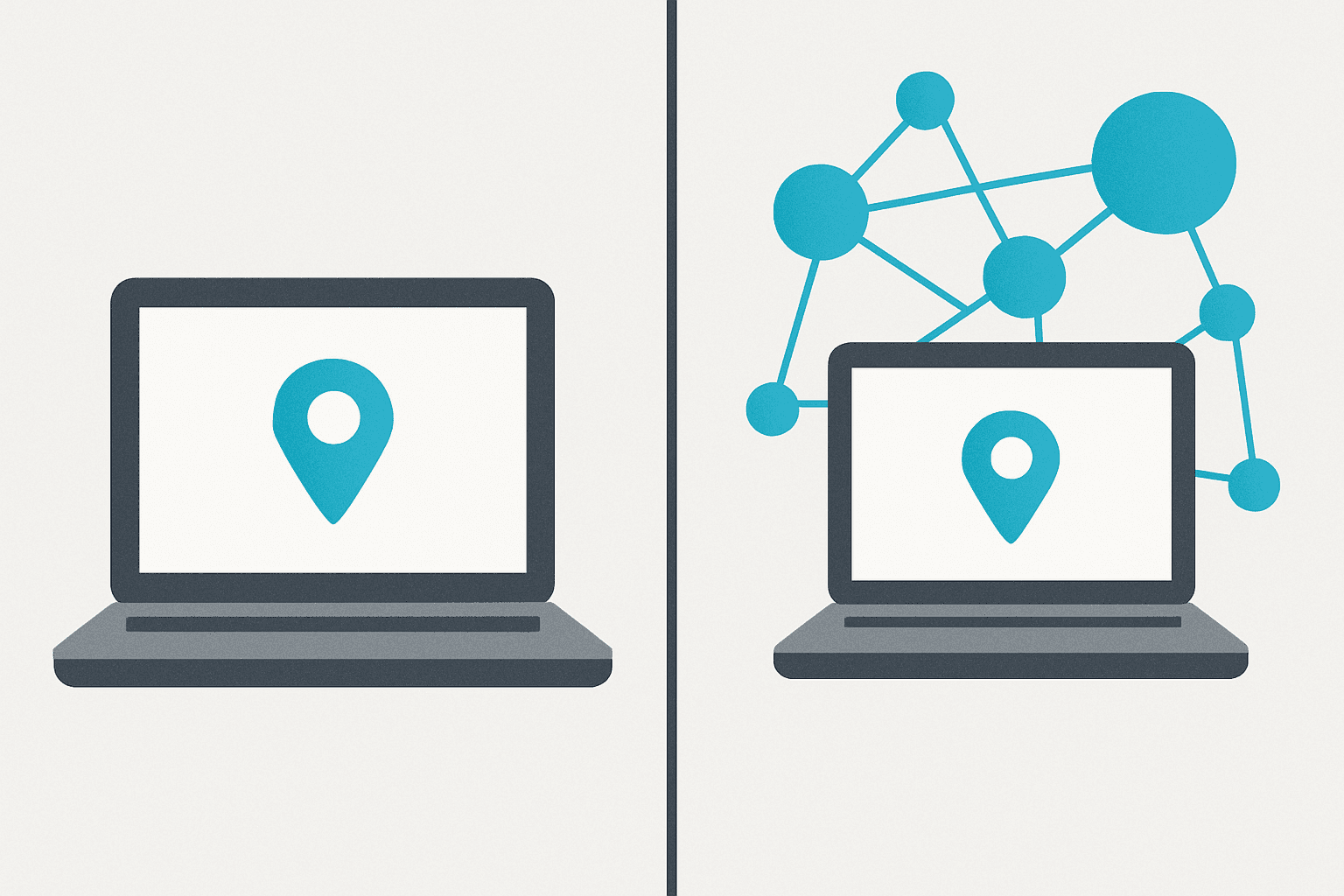
Asset Management vs. Asset Tracking (and Why the Difference Costs Districts Money)
These two terms appear interchangeably in most vendor marketing. They do not describe the same thing, and confusing them is expensive.
| Question | Asset Tracking | Asset Management |
|---|---|---|
| Where is device asset-tag 3421 right now? | Yes | Yes |
| How many times has device 3421 been repaired? | No | Yes |
| Did the family ever pay for the last damage? | No | Yes |
| Is device 3421 within 6 months of AUE? | No | Yes |
| Should we replace this device in the next refresh cycle? | No | Yes |
Asset tracking answers one question. Asset management answers all five.
Asset Tracking: Knowing Where the Device Is
Tracking is a location and assignment function. A barcode scan tells you that device 3421 is checked in at Lincoln Elementary and assigned to a fourth-grade student. That is useful. It is also where most basic tracking tools stop. The record captures the current state but carries no history of how the device got to this state or what it cost to get there.
Most low-cost or generic inventory tools are tracking tools. They present well in demos because the core workflow, scan and assign, is fast and clean. The gap only becomes visible when you try to answer a question the system was never designed to answer.
Asset Management: Knowing What the Device Has Cost You
Management adds the history layer, the financial layer, and the decision-support layer. A full asset management record tells you that device 3421 was purchased in August 2021, assigned to three different students, repaired twice, had one family invoice paid and one disputed, and is 14 months from its AUE date. That record answers a budget question, an accountability question, and a planning question.
For a deeper look at how record linkage architecture makes this work in practice, our guide on how linked records solve this walks through the data model in detail.
Where Districts Lose Real Money by Confusing the Two
Here is a concrete scenario. A student returns a Chromebook with a cracked screen at the end of the year. The device gets checked in, condition-coded as damaged, and sent to the repair queue. No incident record was ever created during the school year, because the damage was discovered at return, not reported at the time. The family receives no invoice, because there is no incident record to trigger one. The district pays the repair cost out of pocket.
That scenario repeats hundreds of times per year in districts that have tracking without management. The device location was always known. The financial accountability was never established. Incident Management built into the same record chain as the asset and the user is what closes that gap.
10 Questions to Ask Any Asset Management Software Vendor for Schools
These questions are designed to produce differentiation, not just information. A vendor who can answer all ten specifically, in writing if needed, is a different category of vendor from one who answers nine of them with marketing language.
1. Is your pricing published, or do we need to request a quote?
Published pricing signals that the vendor is not customizing margins by district size or negotiating ability. If pricing is quote-only, ask directly what is included and what is intentionally left out. Setup fees, training, onboarding, and data migration are the line items that most often appear after the contract is signed rather than before.
2. Will you sign our district SaaS Agreement and Data Privacy Agreement before we begin a pilot?
Vendors who require you to sign their standard agreement, and refuse to review yours, are asking your district to accept terms written by their legal team for their benefit. Most districts have specific DPA requirements, including state-level mandates like NY Ed Law 2-d. A vendor who balks at reviewing your paperwork before a pilot is giving you useful information about how the relationship will go.
3. Which MDM platforms do you integrate with today, not on a roadmap?
"On the roadmap" means it does not exist. Ask for a list of live integrations and ask how each one works at scale. A Google Workspace Chrome Device Console integration that syncs 500 devices smoothly may behave differently at 8,000. Ask for a reference district at your enrollment size using that specific MDM integration.
4. Which SIS platforms do you integrate with today, and is the sync bidirectional?
A one-way roster push from your SIS to the asset platform solves half the problem. If a student's enrollment status changes and the asset platform does not reflect that automatically, you are still managing two databases. Ask whether the integration is native or runs through a third-party rostering service you would pay for separately.
5. When a damage incident is logged, does the system automatically link it to the device record and generate the family invoice, or is that a manual step?
This is the single most operationally important question on this list. Platforms that require manual linkage between incident records and invoices produce inconsistent chargeback rates, because the manual step does not get done reliably at volume. Ask to see the workflow live in the demo.
6. How do you handle historical asset data import from our current platform, and what fields do not survive the migration?
Every platform has fields that do not map cleanly from a competitor's data structure. A vendor who says migration is simple and all data transfers is either not being honest or has not looked at your data. Ask for the field mapping document in writing, before you sign.
7. Are setup fees, training, and onboarding costs included in the quoted price, or are they itemized separately?
The annual license fee is only part of the total cost. Districts have signed contracts expecting a $12,000 annual tool and received a $19,000 first-year invoice after setup and training fees were added. Get the total first-year cost in writing, including every line item.
8. What does your renewal pricing look like over a three-year term, in writing?
Some vendors offer attractive Year 1 pricing and build in 8 to 12 percent annual increases. Ask for the renewal structure in writing as part of the contract, not as a verbal assurance from the sales representative.
9. How does your help desk module connect to asset records, or is that a separate tool?
A help desk for schools that lives outside the asset management platform means technicians are working in two systems, copying information between them, and creating opportunities for records to fall out of sync. Ask whether tickets filed against a device appear in the device's record history automatically.
10. Who built this platform, and does your team have direct K-12 district experience?
Lack of planning and unclear policy are among the top drivers of K-12 device-management deployment failure (Source: Tech to School). Vendor experience is part of the planning equation. A platform built by enterprise IT developers and adapted for schools will have different blind spots than one built by former K-12 IT staff. Ask specifically who designed the workflows and whether any of them have worked in a district technology office.
What to Verify in a Demo (Beyond the Sales Pitch)
Sales demos are optimized for best-case scenarios. The rep knows the platform, the data is clean, and the workflow chosen for the demo is the one that looks best. What follows are four requests you can make in any vendor demo that move past the prepared walkthrough.
Show Me a Full Device Record Chain
Say this out loud: "Pull up a specific device record and walk me through its complete history without switching to a prepared screen." Watch whether the rep navigates live in the system or pivots to a pre-staged demo environment. A full record should surface the device's assignment history, every incident filed against it, every invoice linked to those incidents, and its current lifecycle stage. If the rep cannot produce that chain on a real record without preparation, that is useful information.
Walk Me Through a Damage-to-Invoice Flow Live
Ask the rep to log a damage incident during the demo and follow it through to the invoice record. Watch for the moment the invoice line item appears and whether it is linked to the incident record automatically or requires a separate manual action. This workflow is the operational core of any chargeback program, and it either works end-to-end or it does not. Asset Management and billing that require manual bridging will create volume problems in any district processing more than a few incidents per week.
Show Me How a Bad CSV Import Is Handled
Most districts carry messy data: duplicate asset tags, missing serial numbers, student records with no SIS match. Ask the vendor to demonstrate what happens when you import a CSV with intentional errors. Does the system surface a clear error report showing which rows failed and why, or does it silently drop the bad records and give you a green confirmation screen? Platforms that handle bad data silently will let you build on a corrupted foundation without telling you.
Let Me Search for a Specific Incident Filed Against a Specific Device
Ask to search by device tag and filter for all Incident Management records filed against that device over the past 18 months. Then ask whether those incident records include technician notes, repair cost, and invoice status. A real asset management platform surfaces that chain in a single search. If the rep has to navigate to a separate module, export a report, and cross-reference it manually, the record linkage is not as tight as the spec sheet suggests. Reporting that requires manual assembly is a proxy for a data model that was not designed around linked records.
If a vendor cannot run any of these requests live without switching to a pre-staged environment, that is useful information too.
How We Think About These Questions at Manage1to1
If you put us through the 10-question framework above, here is how we would answer, specifically and in the same order the questions deserve.
Our pricing is published on our pricing page and is not quote-only. The tiers are straightforward: $1,000 per year flat for districts with 700 or fewer students, $1.55 per student per year for 701 to 2,500 students, $1.35 per student per year for 2,501 to 4,500 students, and $1.20 per student per year for 4,501 to 7,500 students. If you want to run your own enrollment numbers, our per-district cost estimator will give you an exact figure without a sales conversation.
We sign district SaaS Agreements and DPAs as standard practice, including NY Ed Law 2-d compliant agreements. We review district paperwork. We do not require you to sign ours.
On MDM integrations that are live today: JAMF Pro, JAMF School, Google Workspace Chrome Device Console, Apple School Manager, Microsoft Intune, Microsoft SCCM, and FileWave, with Mosyle Manager in beta. On SIS integrations live today: PowerSchool, Genesis, Infinite Campus, Skyward, Veracross, ClassLink Rostering, and OneRoster, plus rostering from Microsoft Entra ID for districts without a usable SIS feed. Frontline rostering is not currently supported; we will say so rather than obscure it, and we do not market roadmap items as current capabilities.
The damage-to-invoice flow is automatic. Photo capture, technician assignment, and invoice generation are linked in a single workflow. The incident record and the invoice are connected, not parallel entries in separate modules.
Historical import runs through a CSV mapping wizard. We document in plain English, before you sign anything, which fields transfer cleanly and which do not. Setup fees are zero. Training is included. That is not a promotional offer; it is just how the model works. Renewal pricing changes only if your enrollment crosses a tier boundary.
Our Asset Management, Help Desk, Incident Management, User Management, and Reporting modules are part of the same consolidated platform. They are not add-ons, and they share a common record structure. A ticket filed against a device appears in the device's record. An incident logged by a technician links to the family invoice and the student record. That is the architecture, not a feature we demo differently than we deliver.
We have been building this platform since 2012. The people who built it came out of K-12 district IT offices. We are employee-owned, which means our incentive is your renewal, not an investor exit.
If you want to run the demo tests from the previous section on us, we welcome it. Schedule a live platform walkthrough and bring your district's SaaS Agreement to the first call.
Frequently Asked Questions
What is asset management software for schools?
Asset management software for schools is a system that tracks every physical asset a K-12 district owns, including devices, peripherals, and AV equipment, across its full lifecycle, and connects each asset record to the assigned user, repair and incident history, billing or chargeback records, and refresh schedule. It differs from basic inventory tracking in that it maintains the full operational and financial history of each asset, not just its current location and assignment. The linkage between device, user, incident, and invoice is what makes the system useful for audits, chargeback programs, and refresh planning.
How is school asset management software different from generic IT asset management?
Generic IT asset management was designed for corporate environments where devices are assigned to stable employees, damage rates are low, and there is no billing relationship between IT and end users. K-12 districts assign devices to students who change grades, transfer schools, and sometimes leave mid-year. Damage rates are higher, family billing is a real operational function, and state audits require defensible device counts. Platforms built for enterprise environments rarely handle those requirements without significant customization or manual workarounds.
What is the difference between asset management and asset tracking in a school district?
Asset tracking answers a location question: where is this device right now, and who has it? Asset management answers a history question, a cost question, and a planning question: how many times has this device been repaired, did the family pay for the last incident, and is this device approaching its end-of-life date? Districts that stop at tracking lose money in their chargeback programs and make worse refresh decisions because they cannot produce a defensible cost-per-device record.
How much does asset management software for schools cost?
Published pricing is uncommon in this market, which makes direct comparison difficult. Most vendors provide quotes based on factors they do not always disclose upfront, including whether setup, training, and data migration are included. For reference, our pricing is public on our pricing page and scales by student enrollment, starting at $1,000 per year flat for smaller districts. Before signing any contract, ask for a total first-year cost breakdown in writing, including every line item beyond the annual license fee.
Can asset management software work with our existing MDM and SIS?
Yes, in most cases, but the integration depth varies significantly between platforms. Ask specifically which MDM and SIS platforms are supported today, whether the SIS sync is bidirectional, and whether the MDM integration has been tested at your district's enrollment scale. Also ask whether the connection runs through a third-party rostering service that would add cost, or whether it is a direct native integration. The difference between a native integration and a rostering middleware layer matters both for reliability and for your total annual cost.
Conclusion
If you have worked through the 10-question framework and the four live demo tests and still have three or four vendors tied on your shortlist, the framework has not been applied rigorously enough. These questions are designed to produce real differentiation. One or two vendors on any honest shortlist will be able to answer all ten questions specifically, sign your district's paperwork before a pilot begins, and run every demo test live without switching to a pre-staged environment.
The others will not. And that is the information the evaluation is designed to surface.
Lack of planning is one of the top drivers of K-12 device-management deployment failure (Source: Tech to School). The evaluation itself is part of the implementation plan. Shortcuts here become operational problems after the contract is signed.
If you are ready to run the framework against a specific platform, book a live platform walkthrough and bring your district's SaaS Agreement to the first call.