
June 2, 2026 · Manage1to1
Linked Assets: How K-12 IT Teams Connect Every Device to Its Full History
How linked assets connect every Chromebook to its user, repair history, and invoice so K-12 IT teams get one source of truth across their 1:1 program.
A Chromebook comes back at the end of the year with a cracked screen and a missing key. The tech scans the asset tag. The asset tracker says "deployed." The help desk has three old tickets filed under a different student's name. The billing system has no invoice on record. The MDM shows a third name entirely, from a sync six months ago. Nobody knows who actually had that device. Nobody gets billed. The Chromebook drops into a repair bin without triggering a refresh flag, and the district quietly absorbs the cost. Multiply that scenario by 200 returns in a single week and you are looking at several thousand dollars in unrecovered damage and untracked hardware. Hidden costs like these are exactly what LocknCharge warns are draining 1:1 budgets without districts realizing it (Source: LocknCharge). Linked assets are how you close that gap.
What Are Linked Assets?
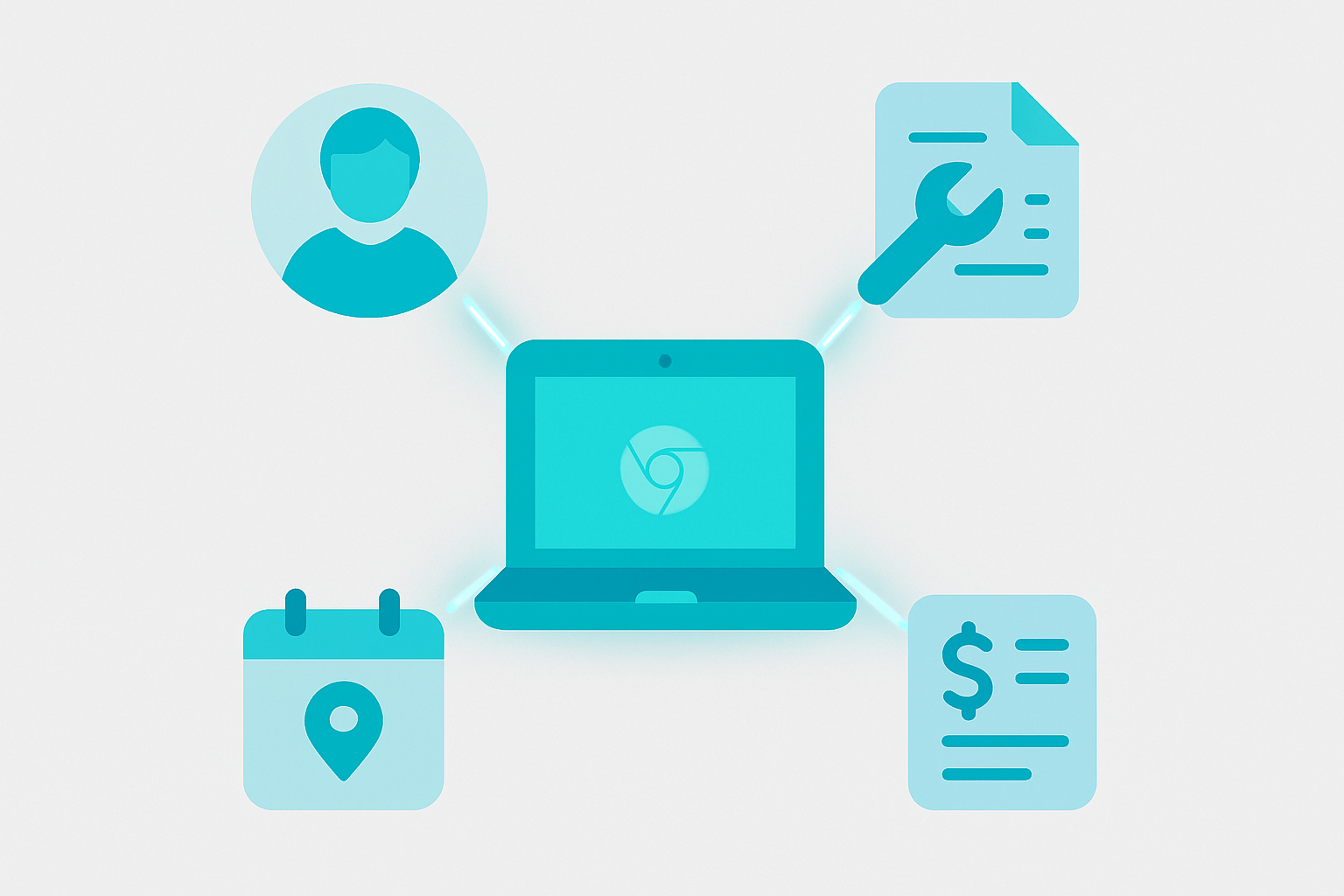
Linked assets are a record structure where a physical device is connected to every related data point, including user assignment, repair tickets, damage incidents, invoices, and lifecycle stage, so that any change to one record updates the full chain automatically. This is the core idea behind modern Asset Management for K-12 programs, and it is what separates a useful inventory system from a flat list that becomes stale the moment a device changes hands.
The short definition
A linked asset is any physical device whose record in your management system points to the student or staff member who has it, the tickets ever filed against it, the damage photos taken of it, the invoices generated because of it, and where it sits in its useful life. The links are bidirectional: you can start from the device and find the user, or start from the user and find all their devices.
What a linked record actually contains
A complete linked record for a single Chromebook typically includes the hardware details (serial number, asset tag, model, purchase date), the current and historical user assignments pulled from your SIS, every help desk ticket ever opened against that device, every incident report with attached photos, any invoice line items tied to damage or loss, and a lifecycle stage (active, in repair, retired, lost). None of that data lives in isolation. Each piece connects to the others so that pulling up the asset tag gives you the full story in one place.
Why a flat asset list is not enough
A spreadsheet or basic inventory tracker can tell you a device exists and where it was last assigned. It cannot tell you that the same device has been repaired three times, that the current student's parent was billed twice and the third incident was never invoiced, or that repair costs now exceed replacement value. Without those connections, school IT asset tracking becomes a documentation exercise rather than a decision-making tool. The flat list is where information goes to stop being useful.
The K-12 Device Chain: User, Incident, Invoice, and Lifecycle
Understanding linked assets means understanding the four nodes that form the chain. Each node holds a category of data. Each connection between nodes is a place where things go wrong if the link is missing.
Ninety-three percent of K-12 IT professionals are managing multiple operating systems across their fleet (Source: EdTech Magazine). That means most districts are not running a clean single-model Chromebook program. They are juggling Chromebooks, Windows laptops, iPads, and sometimes older Mac hardware all at once. The chain has to work across all of it, not just the devices from the most recent refresh cycle.
Node 1: The device record (what hardware data lives here)
The device record is the anchor. It holds the serial number, asset tag, make, model, purchase date, warranty expiration, and current physical status. Every other node connects back to this one. If the device record is incomplete or duplicated, everything downstream is unreliable.
Node 2: The assigned user (student or staff, pulled from the SIS)
User Management is where the device record connects to a real person. Ideally that connection is fed automatically from your SIS so that when a student transfers out, the assignment updates without a manual data entry step. The assignment history matters as much as the current assignment. If a device passed through four students over three years, that chain of custody explains why the keyboard is worn out and the charging port has been replaced twice.
Node 3: Incidents and help desk tickets (damage capture tied to the asset)
K-12 incident management software and the help desk are where physical events get recorded. A cracked screen is an incident. A keyboard replacement request is a ticket. Both need to link directly to the device record, not just to a student name. When they do, you can pull up any device and see its full service history without searching across separate systems.
Node 4: Invoices and lifecycle stage (billing and refresh decisions)
This is where operational data becomes financial data. When an incident is billable, the link to an invoice line item is what makes the chargeback process enforceable rather than optional. The lifecycle stage, whether a device is active, in repair, out for loaner, or approaching end of life, determines whether it belongs in next year's refresh budget. Without this node connected to the others, refresh planning is guesswork using asset management software for schools that only knows half the story.
How Linked Assets Change Daily IT Operations in Schools
The concept is straightforward. The operational payoff is where it gets concrete. Here are three scenarios that show what changes when the chain is working.
Tech to School identifies "lack of planning and policy" and unclear documentation as the top device management pitfall in K-12 programs (Source: Tech to School). Linked assets are the documentation infrastructure that makes policy enforceable. A district can have a clear damage chargeback policy written down and still fail to collect because the records needed to enforce it do not exist or cannot be found quickly. That is a process problem, not a policy problem.
Scenario 1: End-of-year device collection (finding who owes what in minutes, not days)
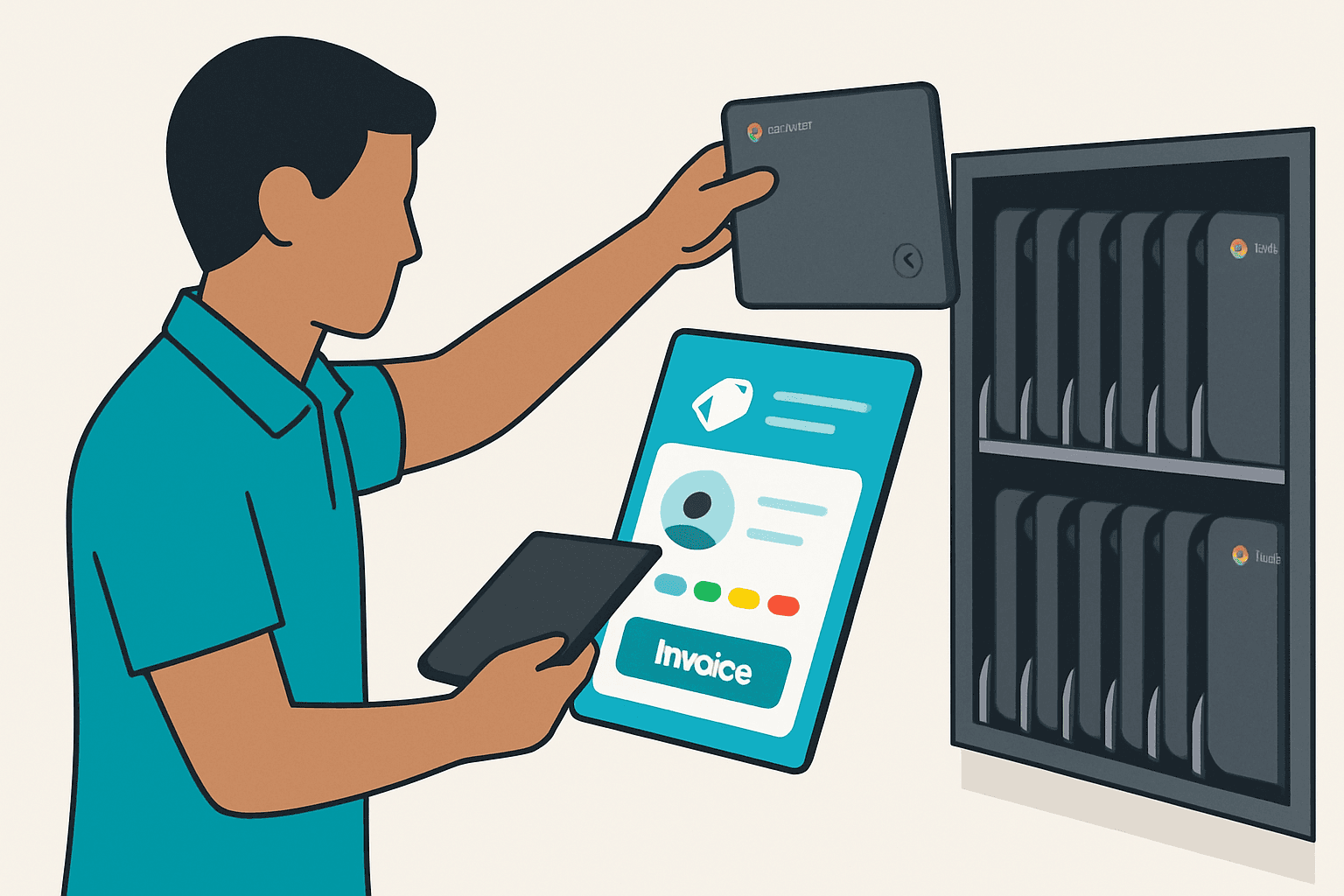
A 2,000-device district running end-of-year collection manually can spend 40 or more staff hours reconciling returns, cross-referencing help desk records, and tracking down students with outstanding damage. That is a rough estimate, but any IT director who has done it manually knows it is not far off. With linked assets, a tech scans the returned device, and the system immediately surfaces the assigned student, any open incidents, and any unpaid invoice items. Collection becomes a same-day process rather than a week-long chase.
Scenario 2: Damage chargeback without the spreadsheet chase
Without linked records, a chargeback workflow typically means pulling a ticket from the help desk, finding the student in the SIS, checking a separate billing system, and hoping someone attached a photo somewhere. Each step is a chance for the chain to break. With Incident Management tied directly to the device record and the user record, the damage photo, the student name, and the invoice line item are all in the same place. The tech who confirms the damage does not need to hand off work to someone else to initiate billing.
Scenario 3: Refresh planning based on real repair history, not gut feel
Deciding which devices to replace next year should not depend on how old the model looks or how loud the complaints have been. Repair history tied to each device record gives you actual cost-per-device data. A device that has been repaired four times in 18 months and has exceeded its purchase value in labor costs is a quantifiable retirement candidate. Reporting built on linked data lets you make that argument to a budget committee with numbers, not anecdotes.
What to Look for in Asset Management Software for Schools
Not all platforms that call themselves asset management tools for schools actually link records in the way that makes the chain work. Here are five questions worth asking any vendor, including the one you are currently using. We expanded this into a full evaluation framework in Asset Management Software for Schools: How to Evaluate Platforms You Won't Regret in 24 Months.
Does it link records bidirectionally or just display related data?
Some tools show you related records as a read-only list. That is not the same as bidirectional linking. Ask whether creating a new incident automatically updates the device record, and whether closing a ticket changes the asset's status without manual intervention.
Does it sync with your SIS and MDM without manual imports?
If keeping user assignments current requires someone to export a CSV from the SIS and import it into the asset tool every week, the data will drift. The sync should be automatic and frequent enough that a mid-year transfer does not leave a device assigned to a student who left the building.
Does it handle damage photo capture and auto-generate invoice line items?
Photo documentation is the difference between a chargeback you can defend and one a parent can dispute. The photo needs to attach to the incident record automatically, and the incident record needs to be able to generate a billable item without leaving the system.
Does it support mobile barcode scanning for rapid device verification?
Field verification during collection, deployment, or audits should not require a laptop and a quiet room. Mobile scanning that pulls up the full linked record instantly is the difference between an afternoon's work and a two-day project.
Is pricing published and flat, or does it scale in ways that punish growth?
Adding students or devices should not trigger a pricing conversation. Ask whether the cost structure is transparent and whether you can evaluate it without sitting through a demo first.
We built Manage1to1 because we lived the broken version. Our K-12 asset management software includes Rapid Verify for mobile barcode scanning. K-12 incident management software has photo capture that auto-links to the device record and generates a billable invoice line item. User Management keeps assignments in sync with your SIS, and Reporting produces board-ready exports. It works as a connected set of features in one system, and our pricing is published online so you can check fit without scheduling a call.
Linked Assets and Your Existing SIS and MDM Stack
The first concern most IT directors have is whether adopting a linked asset platform means replacing the tools they already have. It does not. The three systems have different jobs, and a well-designed asset management layer works alongside both without trying to absorb them.
How SIS sync populates user-to-device assignments automatically
The SIS owns enrollment data. Students enroll, transfer, and graduate in the SIS, and those events should flow into User Management automatically to keep device assignments current. The asset platform reads that data; it does not replace the SIS or require you to maintain enrollment records in two places.
What MDM data flows into the asset record and what does not
The MDM owns policy enforcement and remote management. It can contribute useful data to the asset record, including last sync date, OS version, and enrollment status. What the MDM does not track is the physical history: who dropped it, what it cost to fix, and whether the repair bill was ever collected. That is the asset management layer's job.
Keeping the asset management layer as the system of record for physical state
The division of labor is clear. SIS owns the person. MDM owns the policy. The Asset Management layer owns the physical record: damage, repair, assignment chain, invoice history, and lifecycle stage. None of these systems replaces the others. The linked asset platform reads from the SIS and MDM and writes the physical history independently. That independence is what makes it reliable as a single source of truth for hardware decisions.
FAQ: Linked Assets in K-12 Device Programs
What are linked assets?
Linked assets are device records where every related data point, including the assigned user, repair history, damage incidents, invoices, and lifecycle stage, is connected in a single system so that updating one record reflects across the full chain. The connections are bidirectional, meaning you can navigate from device to user or from user to device without switching tools.
How do linked assets help K-12 IT teams?
Linked assets reduce the manual reconciliation that consumes staff time during device collection, damage billing, and refresh planning. When the full history of a device is accessible from a single record, decisions that used to require cross-referencing three or four systems take minutes instead of hours. Teams recover more damage costs, make better refresh decisions, and spend less time chasing paperwork.
What is the difference between asset tracking and linked assets?
Asset tracking tells you where a device is and who currently has it. Linked assets go further: they tell you what has happened to the device, what it has cost the district over its lifetime, and what decision that history should trigger next, whether that is a chargeback, a repair, or a retirement. Asset tracking is a snapshot. Linked assets are a complete record.
Do linked assets work with our SIS and MDM?
Yes, but the platform needs to be able to read from both systems without requiring manual data imports. SIS data populates user assignments, and MDM data can contribute device status information. The asset management layer sits alongside both systems and owns the physical record independently. Platforms like those described in the Asset Management, Incident Management, and Reporting modules are designed to integrate with common SIS and MDM tools rather than replace them.
One Question Worth Asking Right Now
Here is the diagnostic: can you pull up a single device record right now and see, on one screen, who currently has it, every ticket and incident ever filed against it, every invoice generated because of it, and where it sits in its lifecycle? If the honest answer is that you would need to open three or four tools and manually piece the information together, that gap is costing the district real money every week in unrecovered damage and untracked hardware.
Switching platforms is a real decision. It takes budget approval, migration planning, and staff time to implement. Nobody should make that call based on a blog post. But if the scenario at the top of this article felt familiar, it is worth understanding what a fully linked system actually looks like in practice before the next end-of-year collection arrives.
Book a demo to see how linked assets work across a live district dataset. No commitment required.