
May 12, 2026 · Manage1to1
Chromebook Screen Repair at District Scale: The Workflow Tech Directors Actually Need
Chromebook screen repair at scale isn't a parts problem, it's a workflow problem. The district playbook from incident capture to family invoice.

It's Tuesday morning. Your inbox has three photos of cracked Chromebook screens from three different buildings, each sent in a different format, one text, one email, one submitted through whatever form that teacher found last year. None of the devices have a repair history attached. A parent is already on hold disputing a damage fee because you can't produce documentation of what the screen looked like at check-in. This is not a parts problem. Parts are easy. This is a workflow problem, and at district scale, a broken workflow costs more than any cracked screen.
Most K-12 districts running 1:1 programs are managing chromebook screen repair through a combination of spreadsheets, email threads, and institutional memory. None of that scales past a few hundred devices. Research from the r/k12sysadmin community confirms what most Tech Directors already know: LCD swaps take under 10 minutes, but the workflow around the repair (intake, documentation, routing, billing) is where hours disappear and money goes unrecovered. (Source: r/k12sysadmin community)
What follows is a district-level repair management framework covering intake, routing, repair tracking, and billing, built for Tech Directors managing thousands of devices across multiple buildings, not consumers fixing a single laptop.
Why Chromebook Screen Damage Is a Systems Problem, Not a Tech Problem
The Volume Math: What Screen Damage Looks Like Across 5,000 Devices
Run the numbers on a 5,000-device 1:1 program. Industry experience puts accidental damage rates between 5–10% annually, which means 250–500 screen incidents per year at minimum. A cracked Chromebook screen isn't a rare event. It's a weekly operational reality at every building.
At Henderson County Public Schools in North Carolina, the published 2025–2026 fee schedule sets touch-screen repair at $115 and motherboard replacement at $210. (Source: Henderson County Public Schools NC 2025-2026 Fee Schedule) At 300 screen incidents per year, a district that fails to recover even half of those fees leaves over $17,000 on the table annually, before accounting for labor.
LCD Replacement Is Fast. The Workflow Around It Is Not
The r/k12sysadmin community is consistent on this point: a skilled tech can swap an LCD in under 10 minutes. (Source: r/k12sysadmin community) The problem is everything that happens before and after the swap.
Without a structured intake process, techs spend time tracking down which student had the device, whether damage was pre-existing, and whether a work order even exists. Without a repair history, there's no way to know if this is the device's third screen in 18 months, which is a very different situation than a first incident.
What Untracked Repairs Actually Cost a District
Untracked repairs create three categories of financial loss: unbilled families, unwinnable warranty disputes, and misallocated parts budget. If your tech is pulling a new LCD off the shelf without closing a work order tied to a student record, that cost disappears into the general budget.
Districts that don't track per-device repair history also can't identify chronic re-damagers, can't justify fee escalations, and can't produce documentation when a family disputes a charge. At $115 per touch-screen replacement, one unrecovered fee per week is $5,980 per school year, before labor.
How Most Districts Are Managing Chromebook Screen Repairs Right Now (And Why It Breaks)
The Spreadsheet-and-Email Repair Queue
The most common repair management system in K-12 is a shared Google Sheet and an email thread. A teacher reports a broken screen on a Chromebook, someone logs it manually, the device goes into a bin, and a tech gets to it when they get to it. There's no timestamp, no photo, no asset record link.
This works at 50 devices. It collapses at 500. By the time a district hits 1,000+ devices, the spreadsheet has duplicate entries, devices that were repaired but never marked closed, and no way to pull a report on how many screens broke in Q2.
Help Desk Tickets That Never Connect to Asset Records
Some districts have moved to a help desk ticketing system, which is progress, but it solves only half the problem. A ticket captures the request. It does not automatically connect to the device's asset record, the student's damage history, or the parts inventory.
When those systems are separate, the tech closes the ticket and the repair lives nowhere permanent. The next incident on the same device starts from zero. LocknCharge's guidance on K-12 mobile device programs makes this explicit: without structured workflows that define how devices are reported, collected, repaired, tracked, and returned, repair queues balloon and devices sit unrepaired for weeks. (Source: LocknCharge) A device unrepaired for three weeks in a 1:1 program is a student without a learning tool for three weeks.
Duplicate Requests, Lost Devices, and Unbilled Damage
Fragmented systems produce predictable failure modes: the same cracked screen Chromebook gets submitted twice by two different teachers, a device sits in the repair queue at the building level while the district office thinks it's been sent to the vendor, and the family never receives an invoice because no one connected the completed repair to the billing workflow.
These aren't edge cases. They are the default outcome of disconnected tools. The operational cost is real, tech time spent on coordination rather than repair, and damage fees that never get billed because the connection between incident and invoice was never made.
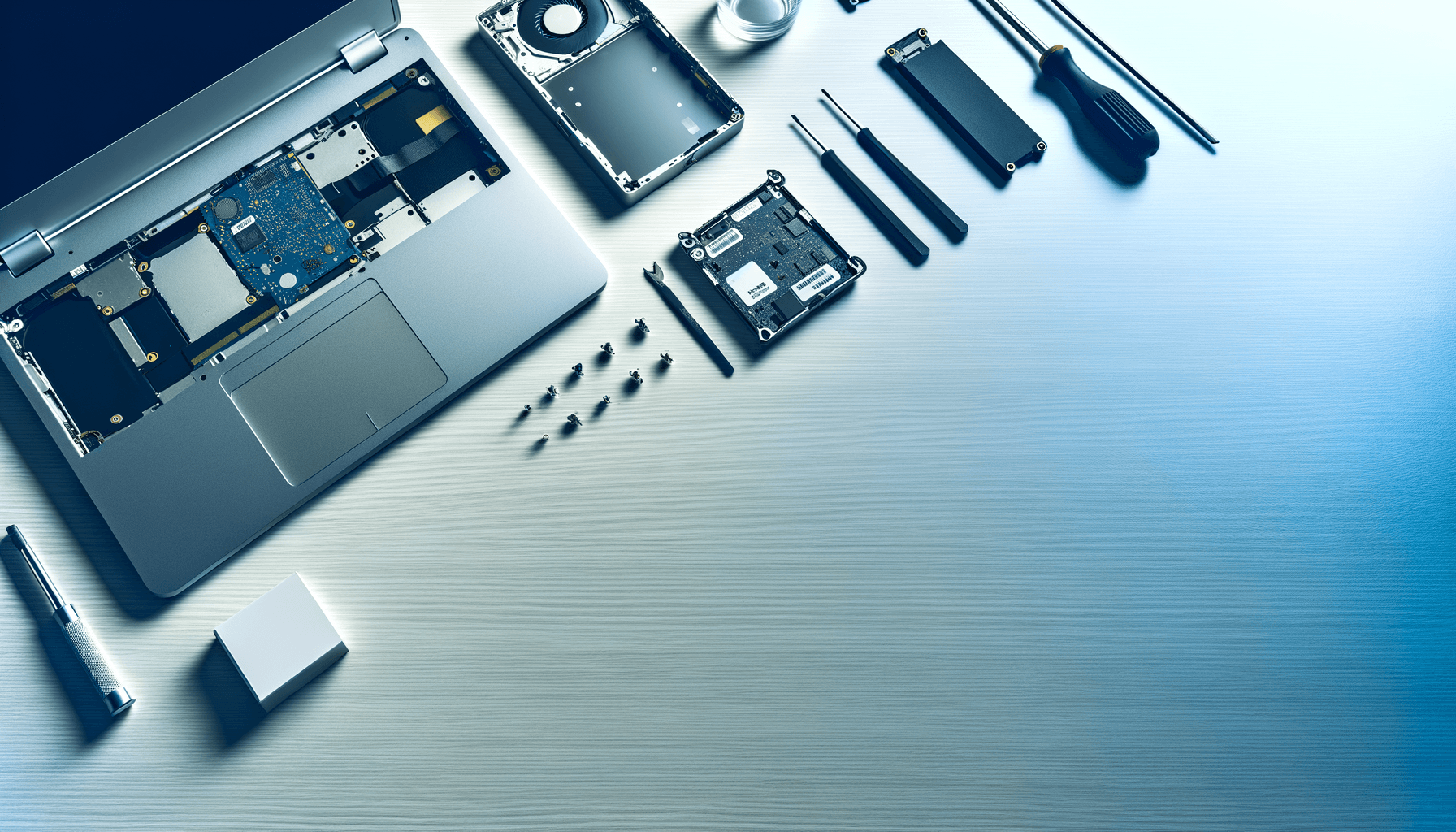
What a Structured District Chromebook Screen Repair Workflow Actually Looks Like
Step 1: Capture-and-Confirm Damage Documentation at Intake
The workflow starts the moment a device is reported damaged. A structured intake process requires visual documentation, a timestamped photo of the damage attached to the device record before the device moves anywhere.
Our capture-and-confirm photo flow uses a webcam-based intake process that timestamps the damage photo and attaches it automatically to the device's asset record. There's no manual upload, no emailed photo that lives in someone's inbox, and no "we think the screen was already cracked" disputes later. The photo is part of the permanent record from the moment intake happens.
Step 2: Automatic Routing to the Right Tech or Vendor
Once damage is documented, the next failure point in most districts is routing. Who handles this repair? Is it an in-house tech, a building-level tech, or does it go to an external vendor? Without defined routing rules, devices pile up wherever they were dropped off.
We solve this with routing workflows that use visual condition-based rules to send screen-damage incidents to the assigned tech or external repair vendor based on criteria the district defines, damage type, building, device model, or warranty status. The device moves through the workflow rather than sitting in a queue waiting for someone to make a decision.
Step 3: Repair Lifecycle Tracking With Per-Device History
Every screen repair, keyboard replacement, and charger swap is recorded against the device's permanent record. This is what makes the repair history operationally useful, not just as documentation, but as a decision tool.
Our per-device repair history preserves every incident for the device's full lifetime. When a tech opens a new incident on a device, the full history is visible: previous damage, who repaired it, what parts were used, and whether the family was billed. A device with three screen incidents in 18 months triggers a different response than a first-time break.
Step 4: Role-Restricted Status Views for Admins, Techs, and Parents
Not everyone needs to see the same information. An admin needs to see billing status and chargeback amounts. A tech needs to see parts status and repair instructions. A parent needs to know where their student's device is and when it will be returned, and nothing else.
We deliver exactly that with a role-restricted status workflow. Admins see the financial view. Techs see the repair queue and parts status. Parents receive a clean status URL that shows repair progress without exposing internal billing detail or tech notes. Each role sees what they need, and nothing generates a support call because the parent can check status themselves.
Step 5: Linking Incidents Directly to Invoices or Insurance Claims
The last step is where most districts leak money. The repair is complete, the device is returned, and no one sends an invoice because the connection between the closed work order and the billing system was never made.
Our incident-to-invoice linking generates a family chargeback invoice or insurance claim directly from the completed repair incident, with the intake photo evidence already attached. At Henderson County's published $115 touch-screen rate, every connected invoice is $115 recovered automatically rather than absorbed into the parts budget. (Source: Henderson County Public Schools NC 2025-2026 Fee Schedule)
We built Manage1to1 in 2012 as former school IT staff who needed exactly this kind of workflow: one platform that runs the full intake-to-invoice loop, replacing the disconnected combination of help desk, spreadsheet, asset tracker, and billing tool that most districts are currently stitching together manually.
Chromebook Screen Repair Costs: In-House, Vendor, or Replacement?
True Cost of In-House Repair: Labor, Parts, and Cycle Time
In-house repair looks cheap until you account for all three cost components. Parts cost is real, a touch-screen LCD runs roughly in line with Henderson County's published $115 fee schedule figure, which reflects current parts pricing. (Source: Henderson County Public Schools NC 2025-2026 Fee Schedule) Labor cost at a 10-minute swap time is modest per incident, but coordination overhead, intake, routing, documentation, billing, can multiply actual time spent by 3–4x without a structured workflow.
Cycle time is the hidden variable. A device that sits in the repair queue for two weeks costs nothing in parts but removes a student from 1:1 access for two weeks. The repair-vs-replace math gets more interesting as devices approach their Auto Update Expiration date; we covered that calculation in How Long Does a Chromebook Last?.
Vendor Repair: When Outsourcing Makes the Math Work
Vendor repair makes sense when in-house tech capacity is constrained, device volume spikes seasonally, or the repair requires tooling the district doesn't stock. The math works when vendor turnaround is faster than the internal queue and the per-incident cost is close to in-house total cost including overhead.
The workflow requirement doesn't change with outsourcing, it becomes more important. If devices leave the building for vendor repair without a documented condition record, disputes about pre-existing damage become unresolvable.
Replacement Threshold: When a Broken Screen Chromebook Isn't Worth Fixing
For an HP Chromebook broken screen or similar mid-tier device, the repair-versus-replace decision has a clear threshold. At a $200–$300 device replacement cost and a $115 touch-screen repair, the first screen repair almost always pencils out. The second screen on the same device is a judgment call. The third is a replacement conversation.
| Scenario | Cost | Recommendation |
|---|---|---|
| First screen incident, device < 2 years old | ~$115 parts + labor | Repair in-house |
| Second screen, same device within 18 months | ~$115 + labor + history review | Repair + flag for monitoring |
| Third screen or device > 3 years old | $115+ repair vs. $200–300 replace | Evaluate replacement |
| Vendor repair with < 2-week turnaround | Compare to above | Outsource if queue is long |
How Per-Device Repair History Changes the Decision
Without repair history, every broken screen Chromebook looks the same. With it, the third incident on the same device in 18 months triggers an automatic escalation in the workflow, to a different repair path, a damage pattern flag, or a family conversation about a replacement fee structure.
This is exactly where districts that track per-device history recover costs that others absorb. The decision isn't just repair or replace, it's informed by data that only exists if you've been capturing it consistently.
How K-12 Districts Should Manage Chromebook Screen Repairs Across Multiple Schools
The Short Answer: Centralize Intake, Distribute Repair, Unify Tracking
To manage chromebook screen repair across multiple schools, districts need four operational steps: standardize the damage intake process at every building, route repairs by building tech or external vendor based on defined rules, record every repair in a permanent per-device record that follows the device, not the ticket, and connect completed repairs to billing before the device is returned. Every building collects; one system tracks.
Building-Level Intake With District-Level Visibility
Each building should have a consistent intake process, same form, same photo documentation requirement, same asset tag lookup. The repair can be handled locally. The record must be visible district-wide.
Without district-level visibility, a Tech Director managing five buildings has no way to know if one building's tech is clearing queue in two days while another building's devices are sitting for three weeks. That visibility gap is an SLA gap.
SLA Expectations for Screen Repair Turnaround
A structured workflow makes SLAs enforceable. If a cracked Chromebook screen repair carries a 5-business-day SLA and the routing workflow timestamps intake and completion, you can report on SLA compliance per building, per tech, and per device type, and identify where the bottleneck is.
Without intake timestamps and status tracking, SLA conversations are anecdotal. "I think we're getting to screens in about a week" is not a metric you can manage to.
Documenting Repairs for Insurance and Accountability
Insurance claims for 1:1 device damage require documentation that most districts aren't capturing consistently. A timestamped intake photo, a repair record, and a completed invoice are the minimum required to support a claim. (Source: LocknCharge)
Districts that can produce that documentation for every device, on demand, from a single system are in a fundamentally different position when a parent disputes a charge or an auditor asks for damage records. Those that rely on email and spreadsheets are producing whatever they can find at the time.
FAQ
How much does it cost to fix a Chromebook computer screen?
At the district level, touch-screen Chromebook repairs run approximately $115 in parts based on published K-12 fee schedules, with labor adding time cost depending on whether repair is handled in-house or by a vendor. (Source: Henderson County Public Schools NC 2025-2026 Fee Schedule) Individual consumer repair shops vary widely. For district programs, the total cost should account for parts, tech labor, and administrative overhead, not just the LCD itself.
Is it worth repairing a Chromebook screen?
For most devices under three years old experiencing a first screen incident, repair is cost-effective when parts run $115 and device replacement costs $200–$300. The calculus shifts for devices with multiple prior repairs, a broken screen on a Chromebook that has already had two prior incidents in 18 months often makes replacement the better financial decision. Per-device repair history is what makes that call accurately rather than arbitrarily.
How much does it cost for a new Chromebook screen?
LCD panels for Chromebooks vary by model and display type. At the district level, Henderson County Public Schools publishes a touch-screen replacement fee of $115 for the 2025–2026 school year, which reflects current parts costs for a managed program. (Source: Henderson County Public Schools NC 2025-2026 Fee Schedule) Non-touch LCD panels typically run lower. For districts purchasing parts at volume, negotiated pricing through a vendor relationship can reduce per-unit cost meaningfully.
Can you replace the screen of a Chromebook?
Yes, screen replacement is the most common Chromebook repair in K-12 programs, and experienced techs complete LCD swaps in under 10 minutes. (Source: r/k12sysadmin community) The repair itself is straightforward on most Chromebook models. What determines whether the repair is operationally successful at district scale is the workflow around it: documented intake, tracked assignment, recorded completion, and connected billing. The physical repair is the easy part.
The Choice Is Already Being Made. Actively or by Default
Every week that screen repairs move through disconnected tools is a week that some percentage of damage fees go unrecovered. One unrecovered $115 touch-screen fee per week is $4,600 per school year, and that assumes only one missed billing per week. For a district processing 300+ screen incidents annually with no intake-to-invoice connection, the actual unrecovered amount is likely a multiple of that.
The decision isn't whether to build a structured repair workflow. It's whether to build it intentionally or keep absorbing the cost of not having one. Tech Directors managing 1:1 programs at scale who want to close the intake-to-invoice loop, not add another disconnected tool, need a system where the intake photo, the routing decision, the repair record, and the chargeback invoice all live in one place.
If you want to see how the capture-and-confirm intake, routing, and incident-to-invoice workflow runs in Manage1to1, request a walkthrough, no sales pitch, just the workflow.