
July 21, 2026 · Manage1to1
Real-Time Student Information Systems: How They Work in K-12
What a real-time student information system actually means, how SIS data moves between systems, and why reliable roster sync matters more than sub-second speed.
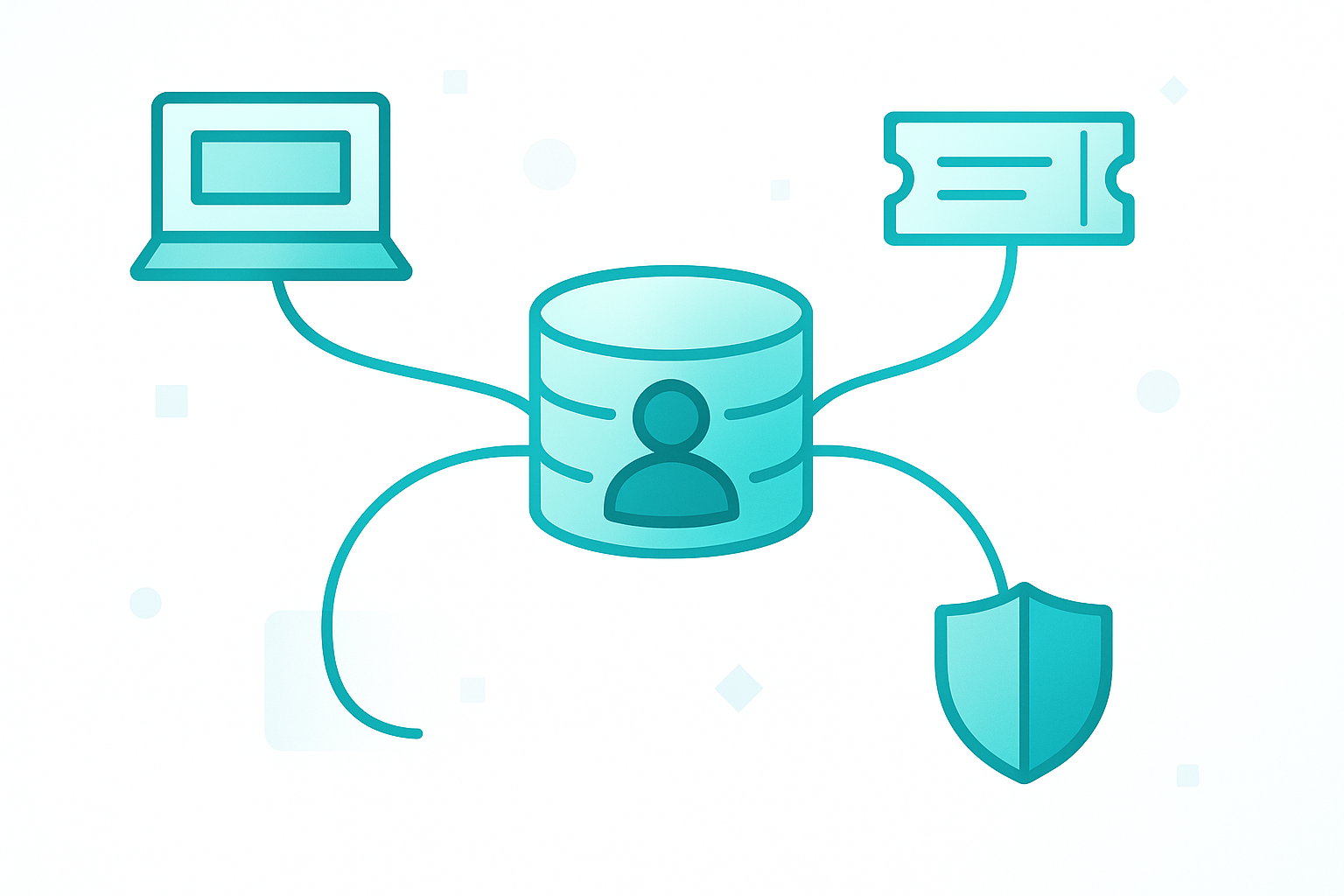
A student transfers into your district on Monday morning. The front office enrolls them, a schedule gets built, and a device needs to go out that afternoon.
The question that decides how smooth the rest of that day goes is a quiet one: when the tech pulls up the roster to check out a Chromebook, is the new student already there? That is what people are really asking when they search for a real time student information system. Not "does the software feel fast," but "when reality changes, how quickly does every system that depends on the roster know about it?"
The answer is more nuanced than the marketing suggests. "Real-time" gets stamped on a lot of SIS features that are really something else, and the distinction matters a great deal once you connect an SIS to the other systems that run on its data. Here is how real-time student information systems actually work, and what it means for the tools sitting downstream of yours.
What a real-time student information system actually means
A student information system is the system of record for who your students are: enrollments, schedules, grade levels, contacts, and staff. "Real-time" describes how quickly a change in that record becomes visible.
The catch is that there are two very different kinds of real-time, and vendors are not always careful about which one they mean.
- Real-time inside the SIS. When a teacher takes attendance, it shows up in the office immediately. When a counselor changes a schedule, the gradebook reflects it. This is table stakes for any modern SIS, and it is genuinely real-time.
- Real-time out to other systems. When that same schedule change needs to reach your device-management platform, your content filter, or your single sign-on, it travels over an integration. That path is almost never instant, and it is the one that actually affects your other tools.
Most "real-time SIS" claims are about the first kind. The experience your technicians and downstream systems live with depends entirely on the second.
How student information systems share data with other tools
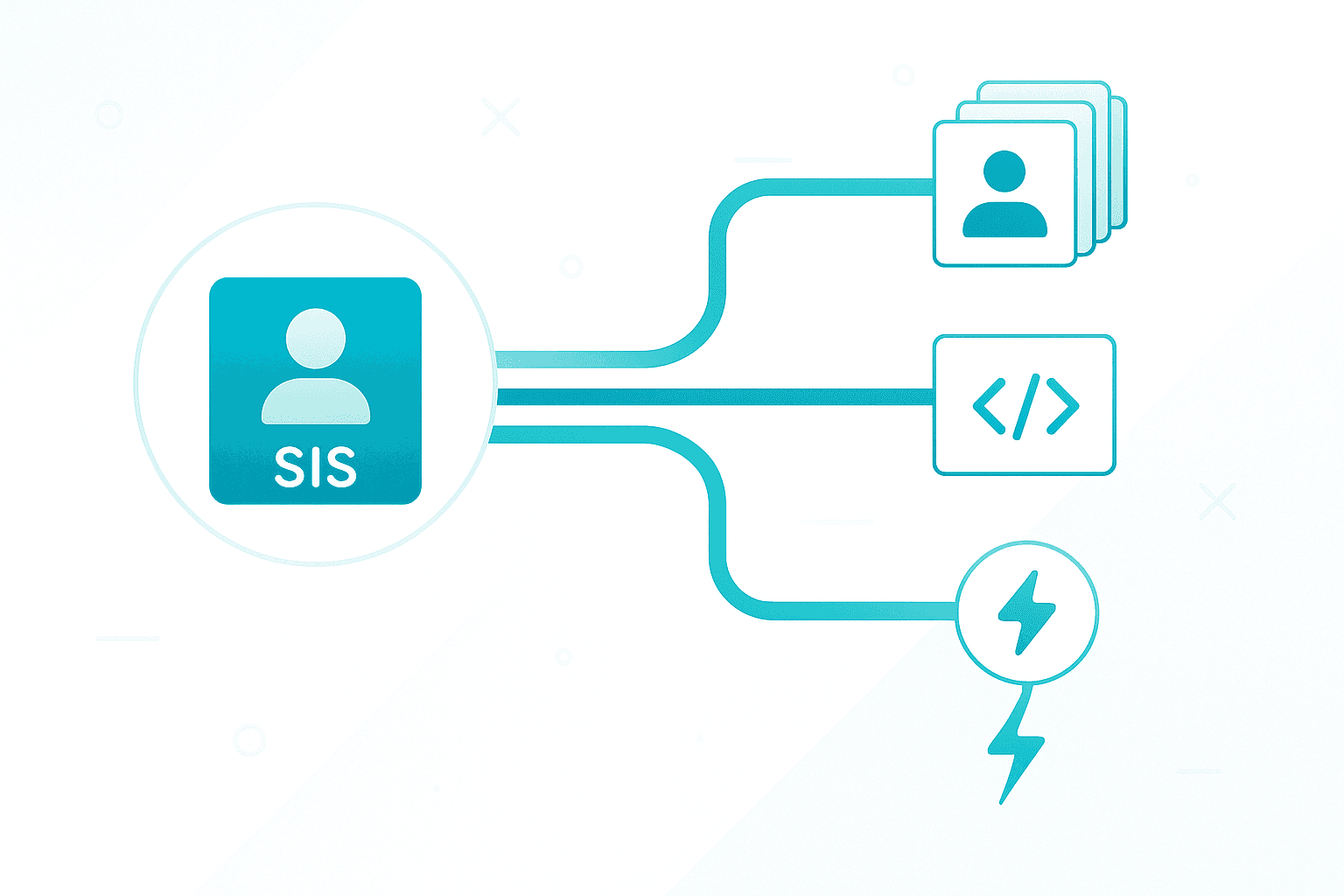
The roster in your SIS has to reach a dozen other systems to be useful. There are three ways that data moves, and they are not equally fast.
Batch file exchange. The SIS exports a set of files (commonly the OneRoster CSV format) on a nightly schedule, and each connected system imports them. It is reliable and universal, but it is a snapshot: a change made at 9 a.m. does not reach the other system until that night's run, at the earliest.
API pull. The connected system queries the SIS directly over an API, often the OneRoster REST standard from 1EdTech, and reads current data on demand. Because the receiving system controls how often it asks, this can run far more frequently than nightly, which is where "near real-time" comes from. It is still a pull, so freshness is set by the sync interval, not by the moment the change happened.
Event-driven push. The SIS actively notifies other systems the instant something changes, using webhooks or an event stream. This is the only model that is truly real-time end to end, and it is also the rarest, because most K-12 SIS platforms do not expose it to third parties.
Knowing which of the three a given integration uses tells you more about real-world freshness than any "real-time" label on the box.
Where real-time matters, and where it does not
Real-time is not a virtue in itself. It is valuable exactly where a delay causes harm, and merely nice everywhere else.
It genuinely matters for a short list of things. Attendance and safety data need to be current the moment someone looks. Single sign-on deprovisioning should be quick, because a student who withdraws should lose access soon after, not next week. Master-schedule changes ripple into instruction and belong in that same tier.
For a lot of downstream systems, including device management and the help desk, what you actually need is not sub-second speed. It is reliable capture. A mid-year transfer, a withdrawal, a grade promotion, an SSO account that should stop working: those changes have to flow through dependably and land in the right record. Whether they arrive in seconds or within a scheduled sync window rarely changes anything on the ground.
The failure mode that hurts is not a roster that is a few hours behind. It is a roster that is frozen: a stale CSV imported once in August that nobody refreshed, so the device system still thinks a student who left in October is holding a Chromebook. Current-within-a-window beats a perfect snapshot that immediately starts rotting.
Keeping device records in step with your SIS
This is the lens we care about, because a device-management platform is only ever as accurate as the roster feeding it. If the SIS says a student transferred and the device system never hears about it, the checkout, the guardian on the hook for a repair, and the year-end return all drift out of sync.
Our school user management keeps that from happening by syncing your roster from the SIS on a configurable schedule, using OneRoster rostering from PowerSchool, Infinite Campus, Skyward, and ClassLink. Mid-year transfers, new enrollments, and end-of-year roll-up all flow through within the next sync window, so device assignments, help desk identities, and billing records stay tied to the right person without anyone running a daily CSV import. We publish the full list of SIS and MDM integrations we support so you can confirm your exact stack before you commit.
We are deliberate about calling this scheduled sync rather than real-time, because that is what it is, and for keeping device records honest it is the right trade. Reliable capture of every roster change beats chasing a latency number that a device fleet never actually needs.
Questions to ask an SIS or vendor about real-time data
When "real-time" comes up in an evaluation, a few direct questions cut through the label fast.
- Does it support OneRoster, and is data exchanged as CSV files or over the REST API? The answer sets your realistic freshness ceiling.
- How often can a connected system sync, and who controls that interval?
- How does a mid-year change (a transfer or withdrawal) reach the systems downstream, and how long does that take in practice?
- How quickly does a withdrawn student lose access through single sign-on?
- If a sync fails overnight, how would you know, and what falls out of date until it is fixed?
Any vendor should be able to answer these plainly. The ones who reach for "it's real-time" without addressing the mechanics are describing the sales page, not the integration.
FAQ
What is a real-time student information system?
A real-time student information system is an SIS where changes such as attendance, schedules, and enrollments become visible immediately within the platform. The term is often stretched to imply that data also reaches connected systems instantly, but sharing roster data with other tools usually happens over scheduled batch files or on-demand API pulls, which run on an interval rather than the instant a change is made.
Is OneRoster real-time?
Not inherently. OneRoster is a data standard from 1EdTech, and it supports two modes: CSV file exchange, which is typically a nightly batch, and a REST API, which a connected system can query more frequently for near-real-time freshness. True instant, event-driven updates require webhooks or an event stream, which most SIS platforms do not expose to third parties.
Do device management systems need real-time roster data?
Rarely in the literal sense. A device-management platform needs to capture every roster change reliably, transfers, withdrawals, and grade promotions, so device records stay tied to the right student. Whether those changes arrive in seconds or within a scheduled sync window almost never affects the outcome. A stale roster that is never refreshed is the real problem, not a sync that runs on an interval.
What is the difference between a real-time SIS and nightly sync?
A real-time SIS reflects changes instantly inside its own interface. Nightly sync describes how often the SIS shares data with an external system, once a day, in a batch. Many districts run a real-time SIS that still feeds downstream tools on a nightly or scheduled basis, because the integration path and the SIS interface are two separate things.
Match the freshness to the job
"Real-time" is the wrong first question. The right one is: for each system that depends on your roster, how fresh does the data actually need to be, and does the integration deliver that? Attendance and access control sit at one end. Device inventory and ticketing sit comfortably at the other.
Once you frame it that way, the goal for your device and help-desk tools stops being speed and becomes trust: every roster change captured, nothing frozen in an August snapshot, the right student on every record.
If you want to see what that looks like when your SIS and your device platform stay in step, book a demo and tell us which SIS you run. We will show you exactly how the roster flows through.