
July 7, 2026 · Manage1to1
Choosing School Help Desk Software: 7 Questions to Ask Every Vendor
A Tech Director's checklist for comparing school help desk vendors: what a K-12 desk has to handle that corporate ITSM does not, the seven demo questions that expose the gaps, and how to read the quote.
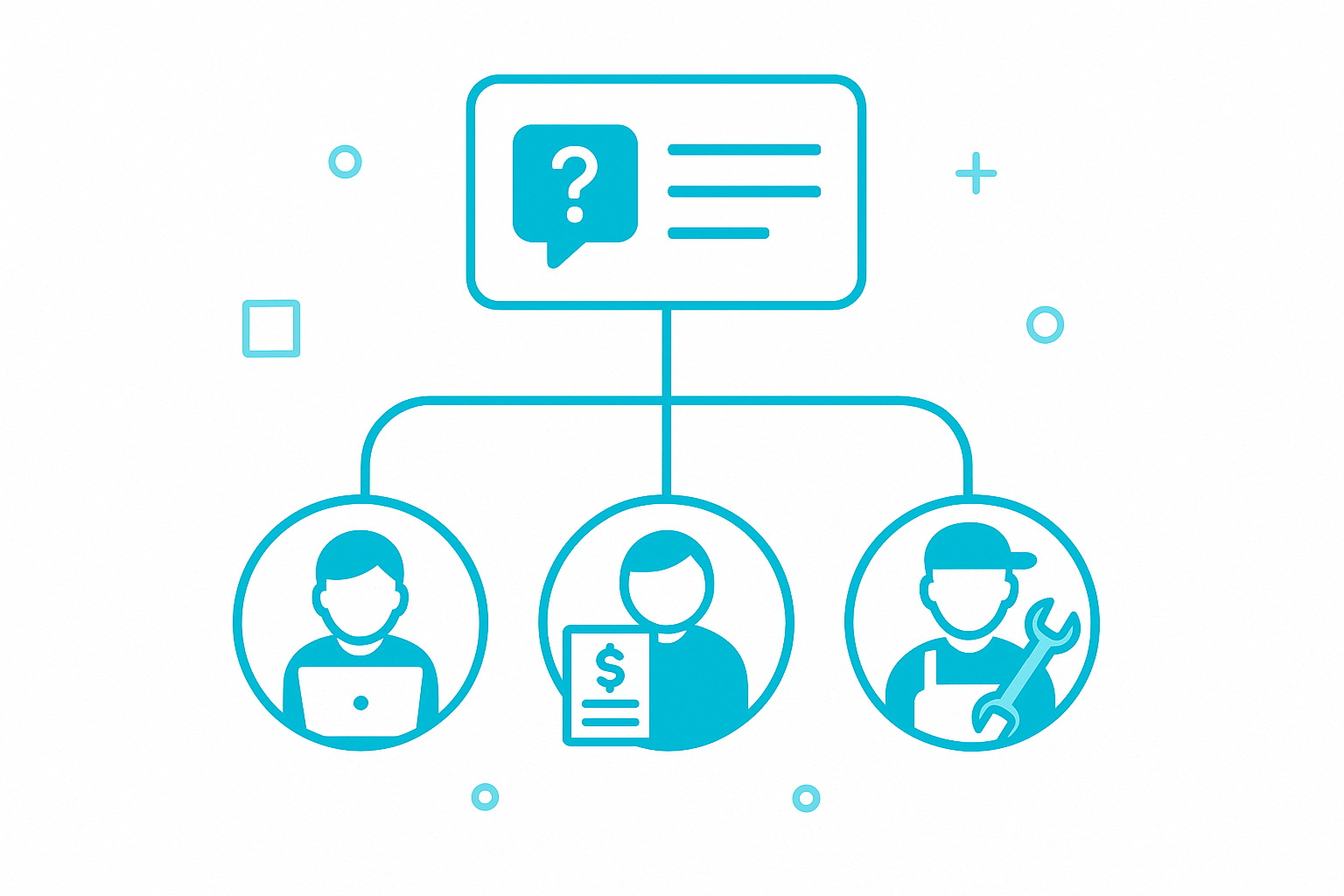
Most of what gets sold as help desk software for schools is a corporate ITSM tool rebadged for education. The vendor adds a "K-12 Edition" banner, drops the pricing 30%, and hopes the procurement office doesn't notice the platform was built for ServiceNow's corporate buyer. Tech Directors notice. The features that matter in a school district (a student-friendly self-service portal, family-facing damage workflows, building-level routing, SIS rostering, MDM sync, end-of-year roll-up) are not what corporate ITSM ships with by default.
We've spent over a decade running help desks for K-12 districts. This is a buyer's guide written from the perspective of what actually has to happen between the moment a chipped Chromebook screen hits a student's desk and the moment the family invoice is paid. If you're comparing vendors right now, here's what to look for, what to skip, and the seven questions that separate a K-12 platform from a rebadged one. (If you'd rather see what ours does first, the help desk software for schools page walks through it.)
What makes a K-12 help desk different
A K-12 help desk has three things a corporate ITSM tool doesn't have to handle: students, parents, and the rhythm of the school year. Each one breaks assumptions baked into a corporate help desk.
Students aren't employees. They lose passwords every week, can't necessarily describe what's wrong, and submit tickets in volume during the first hour of the school day. Corporate ITSM expects authenticated adult users with email addresses and a baseline tech vocabulary. A K-12 system needs to handle a fourth grader saying "it doesn't work" and route that ticket somewhere useful.
Parents aren't employees either. When a Chromebook screen cracks at home, the family is the responsible party for the repair fee, not the student. Corporate ITSM has no concept of a third-party billing relationship attached to the ticket. A K-12 system needs to link the device, the student, the guardian, the repair cost, and the payment flow into one record.
The school year has a shape. August is a deployment scramble. October hits a steady damage rate. December is grade-promotion roll-up. June is end-of-year return. A help desk that ignores this cycle (no bulk check-in, no end-of-year tooling, no roll-up reporting) makes the IT team rebuild the same workflows manually every summer.
If a vendor's pitch never mentions any of these, you're looking at corporate software with a K-12 sticker on it.
The features that matter for K-12
These are the features that decide whether the platform helps you do the job or fights you. They split into five categories.
Ticketing and routing. A K-12 help desk routes tickets by building, by device type, by issue category, by submitting user role, and by SLA tier. Most districts also need rotations (Building Tech A covers Mon-Wed-Fri, Building Tech B covers Tue-Thu) and escalations (auto-bump after 24 hours unattended). The platforms that handle this well do it with a visual workflow builder, not a forest of if-then config screens nobody can audit. Our help desk routing workflows page walks through what the visual builder looks like.
Self-service portal and knowledge base. The biggest single lever in a K-12 help desk is ticket deflection. A well-built knowledge base that surfaces the relevant article while someone is still typing the subject line resolves the password resets and projector inputs before they ever reach a technician. Corporate ITSM tools have KBs, but the K-12 version needs to be reading-level appropriate and embedded in the ticket flow itself. Our Self-Service Portal and knowledge base modules cover this.
Asset linkage. Every ticket touching a device should be linked to the device record, the assigned student, the device's incident history, and any open insurance status. If your help desk and your asset system are different platforms talking through a flaky API, the tickets and the devices will drift out of sync. The right answer is one platform where the asset management and ticketing share the same data model.
Incident and damage workflows. Cracked screens, lost devices, theft reports, and AUP violations all start as tickets but need different downstream workflows (repair queue, replacement queue, family billing, administrative discipline). A K-12-specific platform recognizes these as first-class workflows, not as ticket sub-types. Our incident management module covers the capture-and-confirm photo flow plus the incident-to-invoice link.
Family-facing billing. When a device is damaged and the family owes a fee, the help desk has to produce an invoice, route it to the right guardian, accept payment, and reconcile back to the device record. Corporate ITSM doesn't do this. K-12 platforms need to. Our invoicing module lets the district connect its own payment processor (ConnexPoint, Stripe, Square, PayPal, SchoolPay and others), so the family pays online and the payment lands on the device record.
How tickets actually flow in a real district
To make this concrete, here's the path of a single Chromebook ticket on a Tuesday in October:
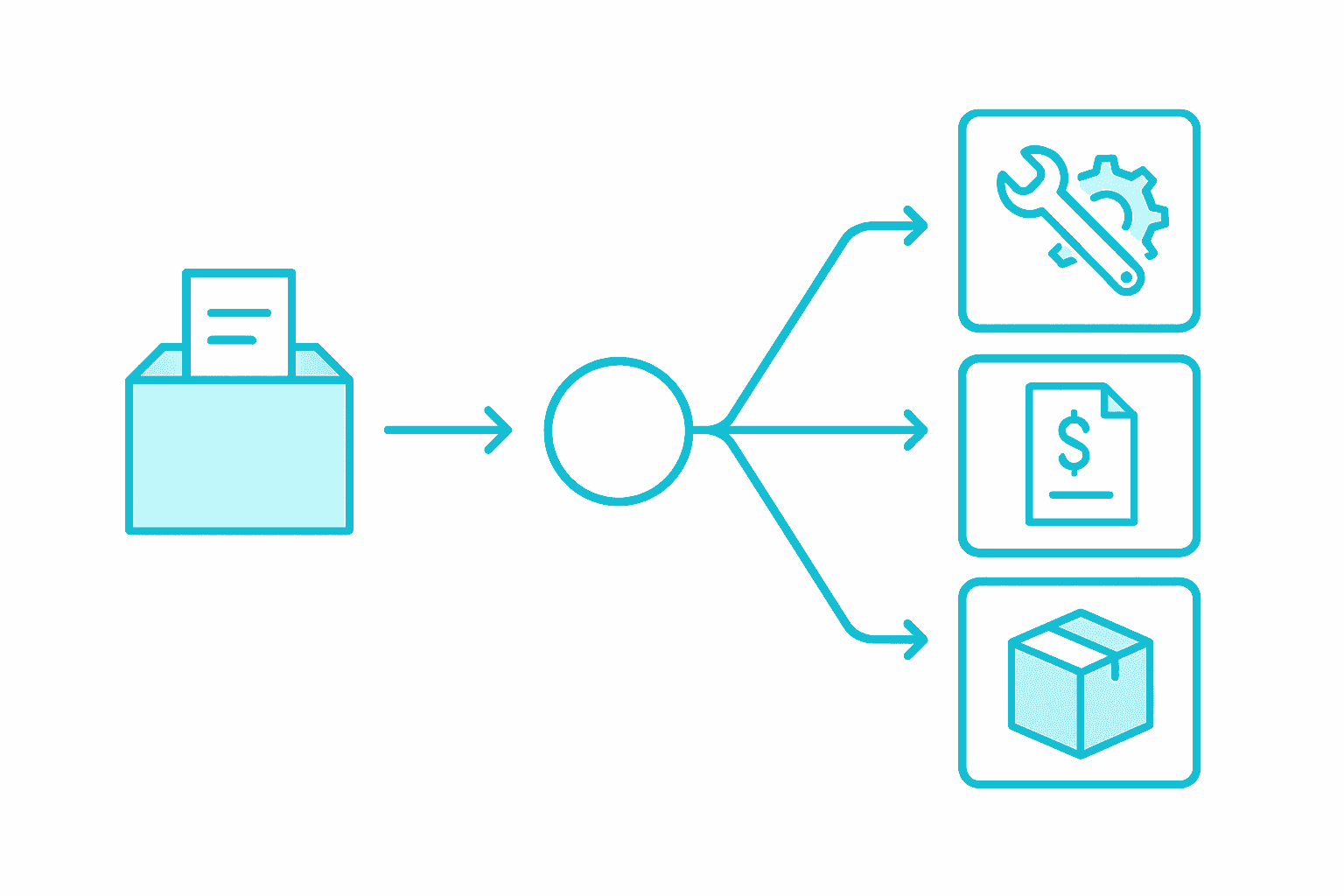
A fifth grader brings her broken Chromebook to her teacher. The teacher submits a ticket through the school's Self-Service Portal. The portal surfaces a knowledge base article about screen damage but the teacher confirms the device is genuinely broken and submits anyway. The ticket auto-routes to the building tech because of the school assignment on the user record, with the device record auto-linked because the user has one assigned Chromebook.
The building tech walks to the classroom, scans the device barcode, takes a photo of the damage, and the ticket transitions from "submitted" to "incident: damage." The incident workflow fires: the device goes into the repair queue, a loaner is assigned to the student (also tracked), and the family is auto-emailed an invoice for the $35 insurance co-pay through the Parent Portal. The family pays online through the district's own payment processor. The repair queue tracks the device's status until the screen is replaced and the original is reissued to the student. Six entries hit the incident audit log. None of them needed manual data entry.
If your current platform can't do that in one system, that's the cost. Multiple tools handing data off through CSV exports add hours of friction every week and produce reports that don't reconcile at year-end.
What needs to integrate with what
A K-12 help desk lives at the intersection of three other systems: your MDM, your SIS, and your identity provider. The integrations that matter:
| System | What needs to flow | Why |
|---|---|---|
| MDM (JAMF Pro, JAMF School, Google Chrome Device Console, Apple School Manager, Microsoft Intune, Microsoft SCCM, FileWave) | Device records, enrollment status, last-seen data | So device tickets link to real device state, not stale inventory |
| SIS (PowerSchool, Genesis, Infinite Campus, Skyward, Veracross, ClassLink, RapidIdentity via OneRoster) | Students, staff, guardians, enrollments | So tickets route by current school assignment and family relationships |
| SSO (Google Workspace, Microsoft 365 / Entra ID, ClassLink, RapidIdentity, SAML 2.0) | Authentication | So students sign in with the account they already have |
| Payments (ConnexPoint, Stripe, Square, PayPal, SchoolPay, and others) | Family invoice payment | So damage fees reconcile back to device records |
Vendors who handle MDM integration with one provider but charge separately for a second one are pricing the platform like a corporate ITSM tool. K-12 districts run a mix. The platform should support the mix on every tier.
How to evaluate a vendor
The same evaluation questions matter for help desk software as for any K-12 platform:
- Show me the platform with my SIS rostered students and my MDM-synced devices, not a generic demo tenant.
- Walk me through a fifth grader's damage ticket end-to-end without leaving the platform.
- Show me how routing changes when I add a new building in February.
- Show me the end-of-year roll-up flow (grade promotion, senior return, device collection).
- Show me the reports a Tech Director or Board Member would want at year-end.
- Show me the pricing for every module on a quote, plus every module not on the quote.
- Tell me what happens at renewal: cap on year-over-year increase, what triggers a true-up, what counts as a contract amendment.
If the vendor can't answer all seven in a single 30-minute demo, you're going to pay for the missing answers in year three. We covered a more general version of this in The Hidden Costs Most K-12 Device Management Quotes Don't Show You.
What help desk software actually costs in K-12
K-12 help desk software pricing has converged on three models: per-student-per-year, per-technician seat, and per-ticket-volume. Per-student-per-year is the predominant model because it scales with the district and is easy to budget against. Industry pricing runs from about $1.20 to $5.00 per student per year for K-12-specific platforms with help desk + asset + incident bundled. Corporate ITSM repackaged for K-12 lands meaningfully higher when all the K-12 specific modules get added.
Our pricing page has published per-student rates since day one because transparency is how K-12 procurement should work. A 5,000-student district running our platform pays $6,000 per year for the all-in feature set including help desk, asset management, incident tracking, billing, the Self-Service Portal with knowledge base, MDM and SIS integrations, and SSO across Google, Microsoft 365, and ClassLink. The public cost estimator models the same enrollment against competitor pricing compiled from real district quotes.
FAQ
What is the best help desk software for schools?
The best K-12 help desk software combines ticketing with asset management, incident workflows, family billing, MDM and SIS integrations, and a self-service portal with a built-in knowledge base. Corporate ITSM tools rebadged for education are typically a poor fit because they lack the family-facing billing flow, end-of-year roll-up tooling, and SIS-driven routing that K-12 districts rely on. We built our platform to ship these as first-class features rather than add-on modules.
How much does K-12 help desk software cost?
K-12 help desk software typically costs $1.20 to $5.00 per student per year for a platform with help desk, asset management, and incident tracking bundled. Quote-only vendors often run higher once per-module licensing, per-integration fees, and implementation costs are added. We publish our per-student rates on the pricing page so districts can compare without a discovery call.
Do schools need a separate asset management tool from their help desk?
No. The right answer is one platform where the help desk and asset management share the same data model. When they're separate tools talking over an API, ticket records and device records drift out of sync and the IT team spends time reconciling them manually. Every hand-off between two systems is a lookup a technician repeats on every ticket, and those minutes add up across a whole team and a whole school year.
What integrations are non-negotiable for K-12 help desks?
The non-negotiable integrations are MDM (JAMF Pro, JAMF School, Apple School Manager, Google Chrome Device Console, Microsoft Intune, Microsoft SCCM, FileWave, or Mosyle (beta), depending on your fleet), SIS rostering via OneRoster (PowerSchool, Genesis, Infinite Campus, Skyward, Veracross, ClassLink), SSO (Google Workspace, Microsoft 365 / Entra ID, ClassLink, or SAML 2.0), and a payment processor for family-facing damage invoices. A platform that charges extra for the specific MDM or SIS you run is using corporate pricing logic on a K-12 buyer.
How do I get my staff to actually use a new help desk platform?
The platforms that get adopted are the ones where the self-service portal does the work for users: the knowledge base surfaces relevant articles while users type their ticket subject, the ticket form is short, and the status page tells them what's happening. Staff adoption follows when the platform produces visible deflection: fewer interruptions and faster resolutions on the tickets that do come through.
Where to go from here
If you're evaluating help desk software for your district, the right approach is to start with the seven evaluation questions above, then ask for a demo on your own data. Generic demo tenants don't tell you whether the platform handles your specific SIS, MDM, and routing edges.
If you want to see what we built against that list first, our help desk software for schools page walks through routing, device-linked tickets, shared ticket ownership, and the self-service portal, and our pricing is published rather than quote-only.
We're former K-12 IT. We know what a help desk has to do in a school district because we ran them. Book a 30-minute demo and we'll show you our help desk with your district's SIS and MDM mix represented. No quote-only pricing, no separately licensed modules at renewal, no professional-services contract required to go live.